MySQL, Timeouts, max_allowed_packet and other Stranger Things

Written in 2021
It's not fun when you get strange behavior in your app or a bug that you look at and don't know where to start. But these types of problems are the most fun and the most rewarding when they get solved. And definitely are the ones where we learn something new!
Debugging Phase: Long story short. We did have a piece of code that was used to save binary files in the DB. The code goes like this:
create!(content_type: attachment.content_type,
        file_name: attachment.original_filename,
        content: attachment.read)
Not a big deal, right? And it has been for quite some time. At some point we got this error in our production environment:
AbstractController::DoubleRenderError: Render and/or redirect were called multiple times in this actionThis error was a result of a Select SQL query that we do in one of our initializers. So we initially thought that it has nothing to do with the creation we had above After some debugging and looking at the endpoint where the error is triggered. It showed that there's something more to the DoubleRender error So I did add this to the database.yml:
reconnect: trueThe reason for that is that the double render problem was a result of a 500 error when the Select query is executed and it tries to render a 500 error page. So I tried to add reconnect to see if we can get another error message, and we did! The new error message was much more informative. That is what got raised after the update:
Mysql2::Error: closed MySQL connection: ROLLBACKThe backtrace was still pointing to the initializer. But after removing the initializer content, this error gets pointed towards nothing but the create! that we are having on top.
Realization:
So now what we know is that we have a MySQL connection problem. Another observation was that this error was triggering for any file larger than 1 MB. So it has to be something to do with this number. What I did next was I sat these values in the database.yml:
checkout_timeout: 15
connect_timeout: 15
read_timeout: 15
This was more to help keep the connection alive. But the changes in the values had no effect and the connection was getting closed all the same with connect_timeout + read_timeout having any effect on it. It always disconnected at the same point in time. This is when I found out that it is a pure MySQL issue. And this is when I discovered max_allowed_packet
This is what the MySQL documentation say about max_allowed_packet:
A communication packet is a single SQL statement sent to the MySQL server, a single row that is sent to the client, or a binary log event sent from a source replication server to a replica.
When a MySQL client or the mysqld server receives a packet bigger than max_allowed_packet bytes, it issues an ER_NET_PACKET_TOO_LARGE error and closes the connection. With some clients, you may also get a Lost connection to MySQL server during query error if the communication packet is too large.
And that was exactly the case. the SQL statement was more than 1 MB, which was the default max_allowed_packet value set by MySQL 5.7
Solution:
Setting a new value for max_allowed_packet was the way to go for us. We're using RDS and Amazon Aurora. So what needed to be done is to create custom parameter groups. Something that looks like the following (These are mock names and values) :
AWS -> RDS -> Parameter groups
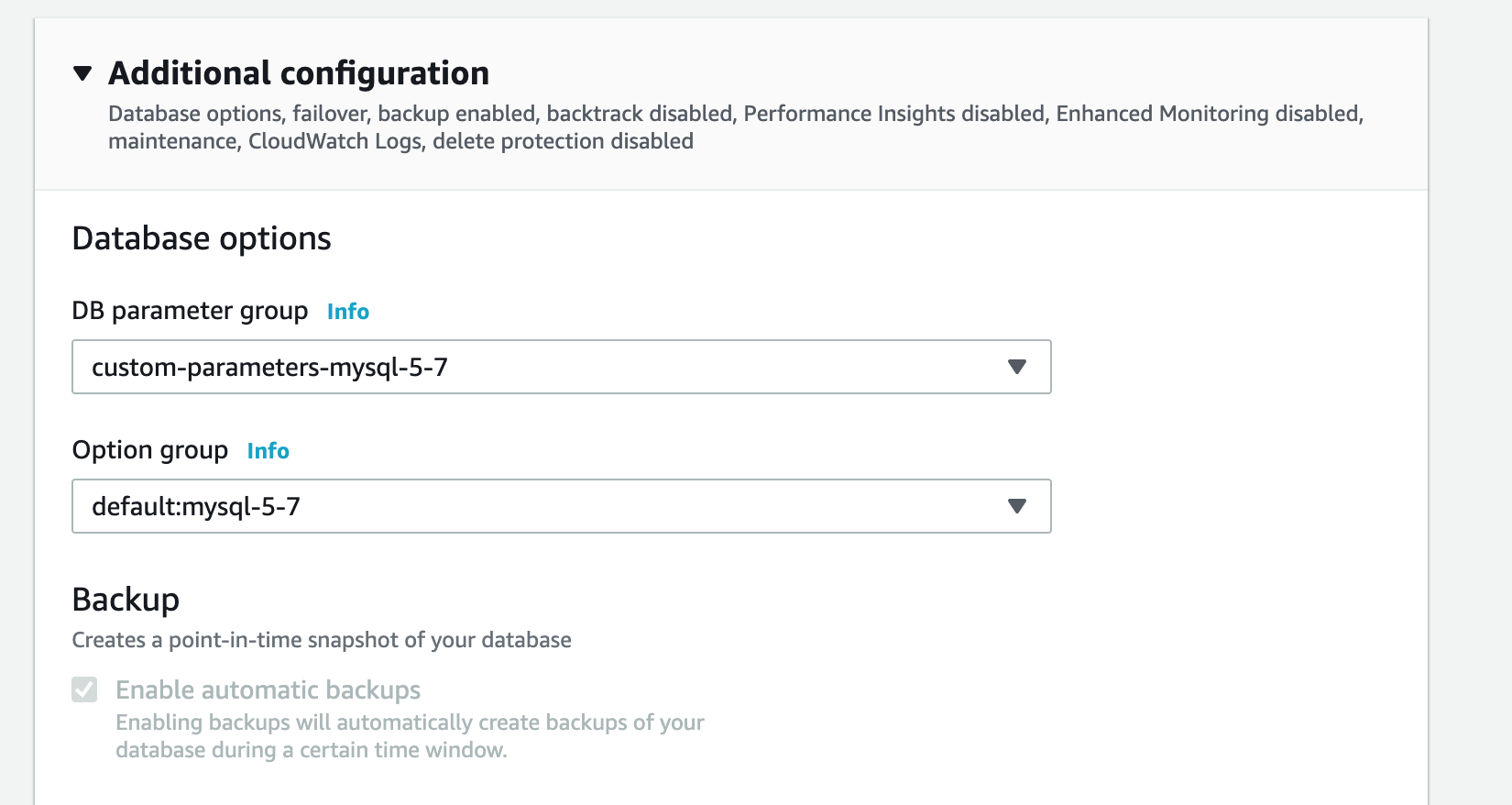
In the custom parameter group, you can set a different value for max_allowed_packet. After that we need to assign these parameter groups to our DB instances AWS -> RDS -> Databases -> Select Database -> Modify
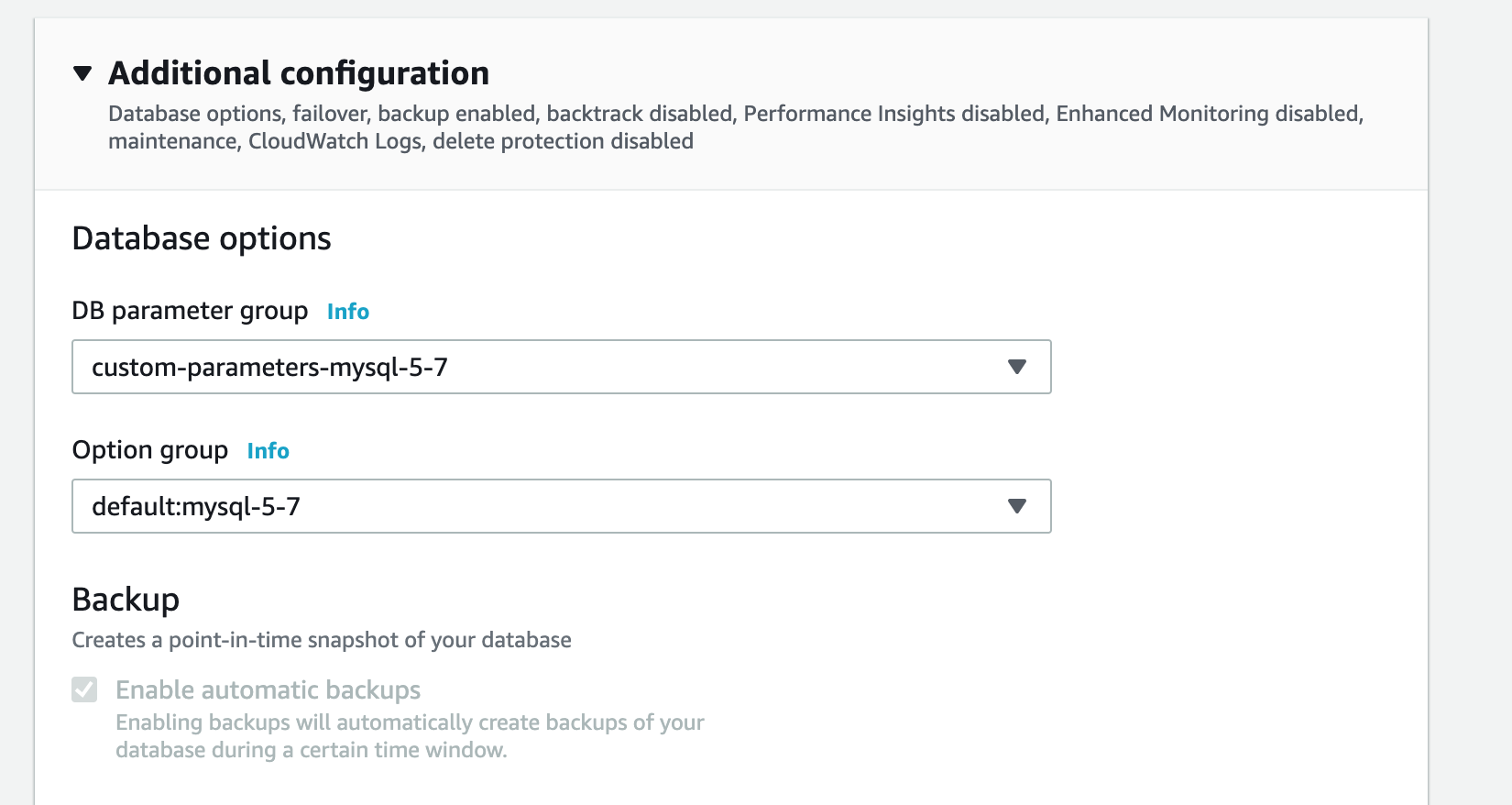
And now you're all set to have SQL statements that can be larger than 1 MB! Be careful not to set the value too high as this parameter is here for a reason, which is to block suspicious SQL statements that may be way too large. So set the value according to your own need if you ever find yourself in my shoes.
Happy Coding!